Design → Edit → Slice → Simulate
Four tools that hand off to each other, all in the browser.
Describe
Type plain English in mm. An AI model writes a readable CADL recipe and verifies the 3D geometry.
Open Designer →Tweak CADL
Need a 5.5 mm hole instead of 4.5 mm? Edit one number in the CADL recipe and click Rebuild (no LLM) in seconds.
See how →Slice & Convert
Inspect watertightness, convert file formats (.stl, .step, .obj, .3mf), and slice models to printable G-code.
Simulate G-code
Scrub through every layer and toolpath move in 3D before you 3D-print or cut metal.
Open G-code Sim →Watch the 90-Second Walkthrough
Recorded on the live site: prompt → PASS → change one number → slice → simulate. Then Tutorial 2's bushing and L-bracket.
Starter Examples
Paste a prompt into the Designer, or download the verified CADL, STL and STEP files. Tutorials 1 · 2 · 3.
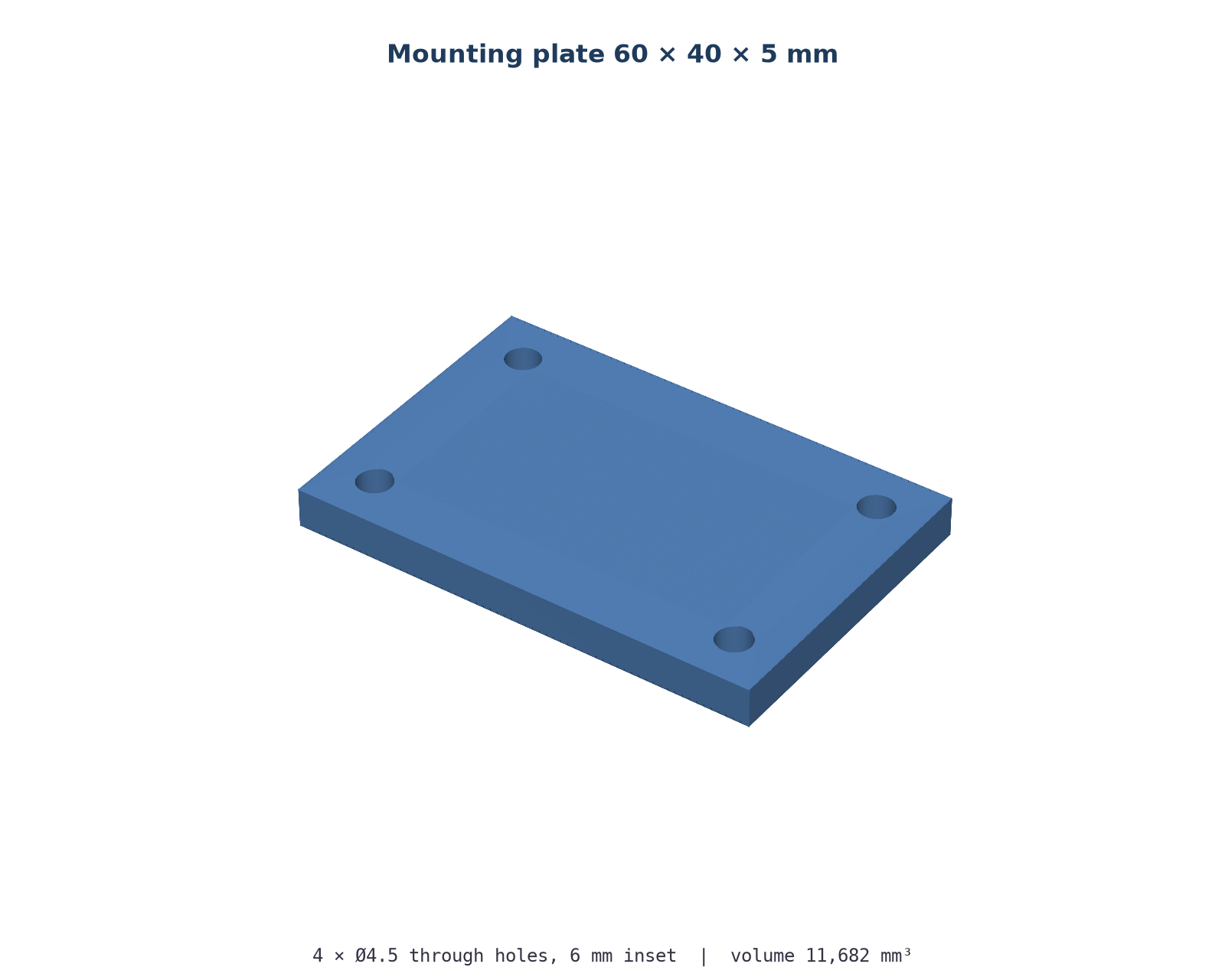
Mounting Plate
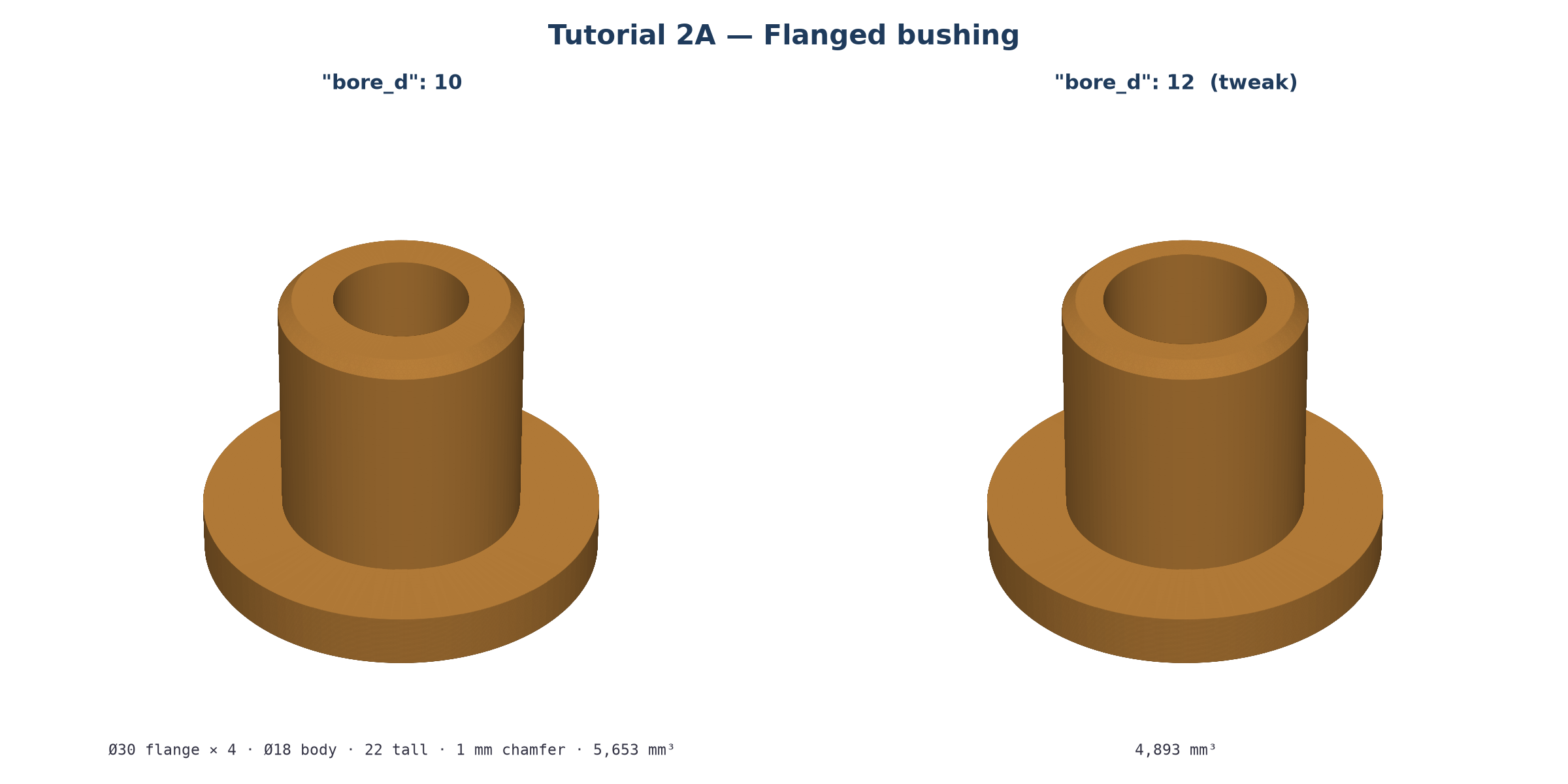
Flanged Bushing
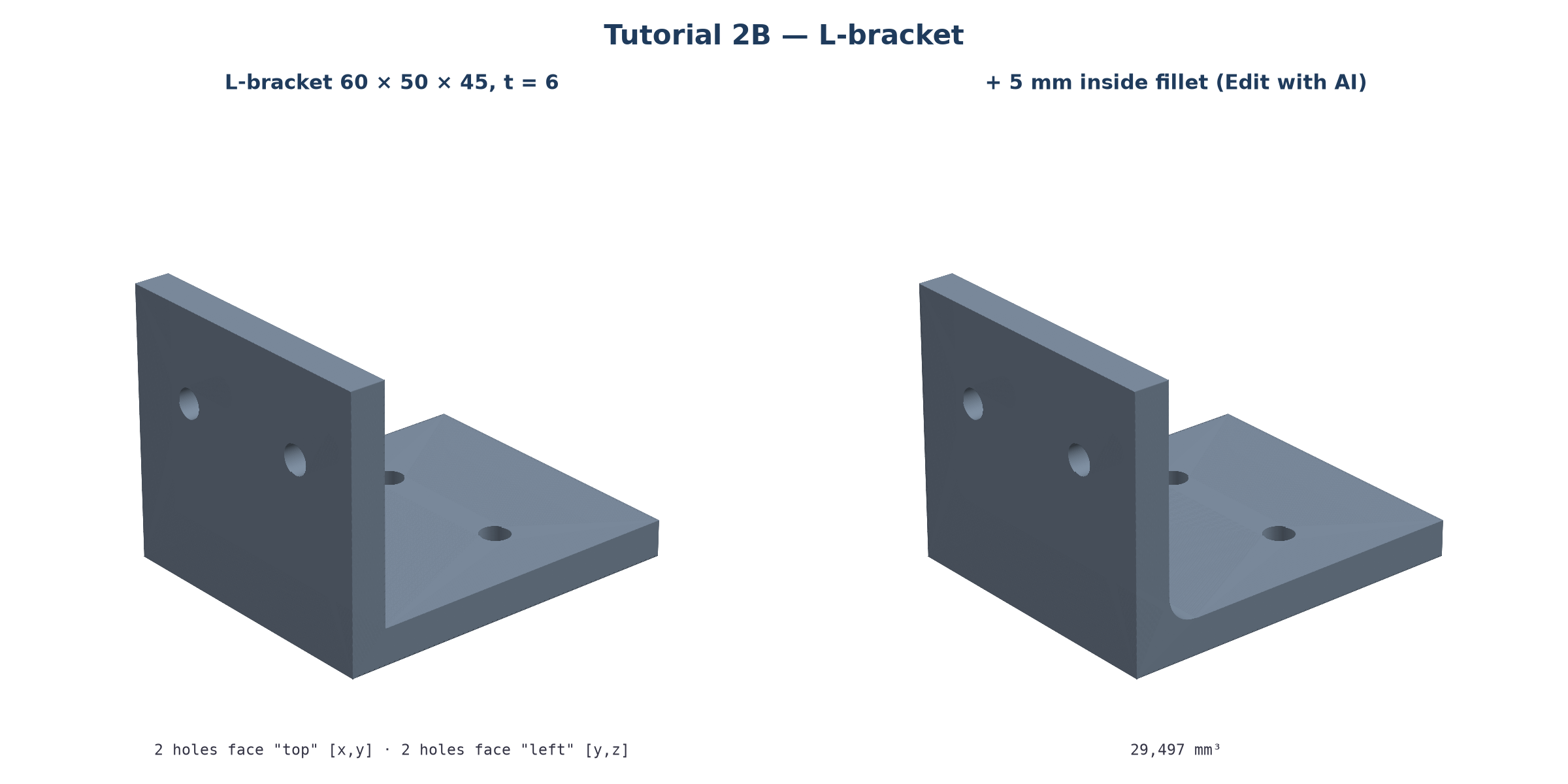
L-Bracket
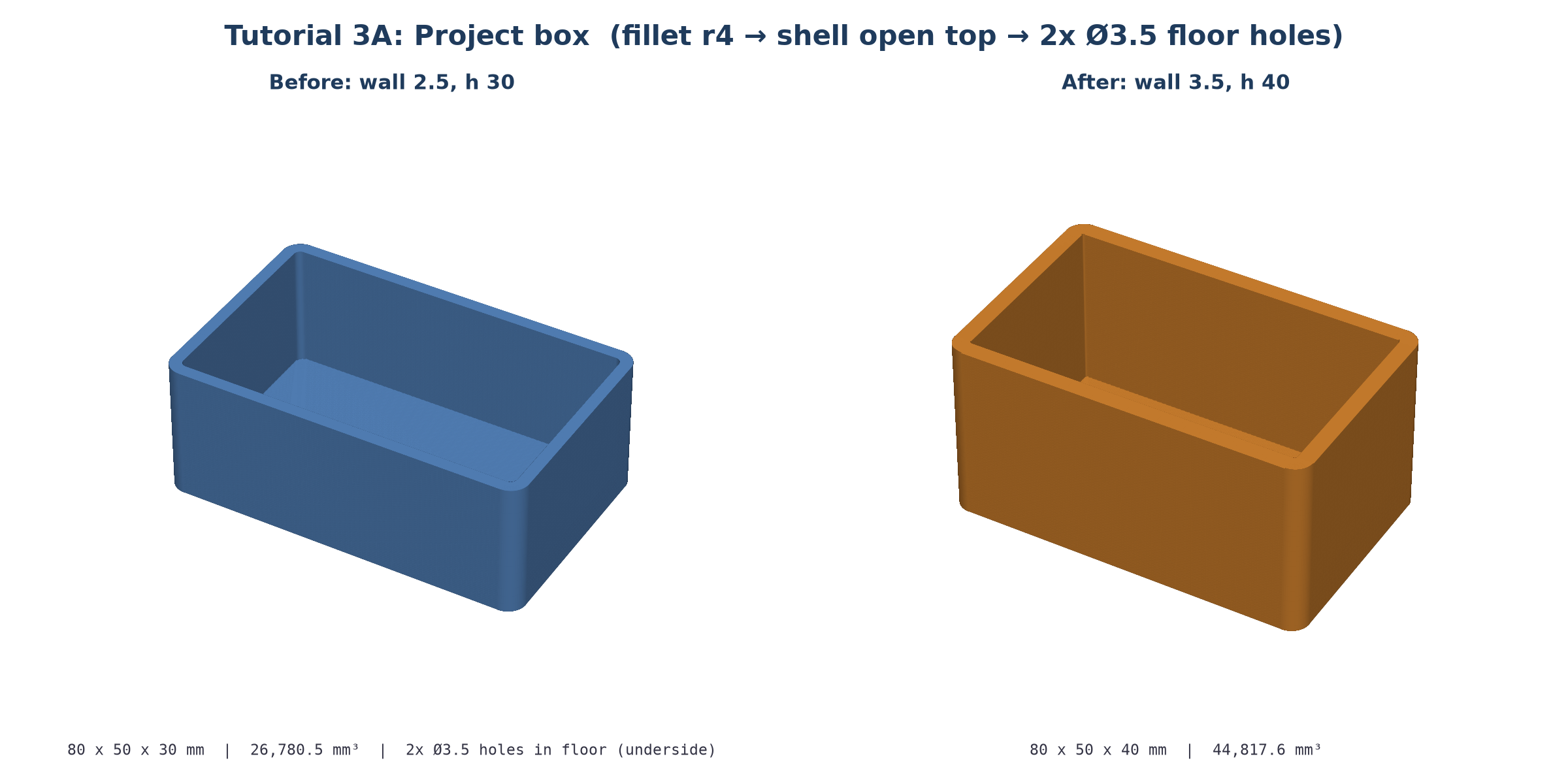
Project Box
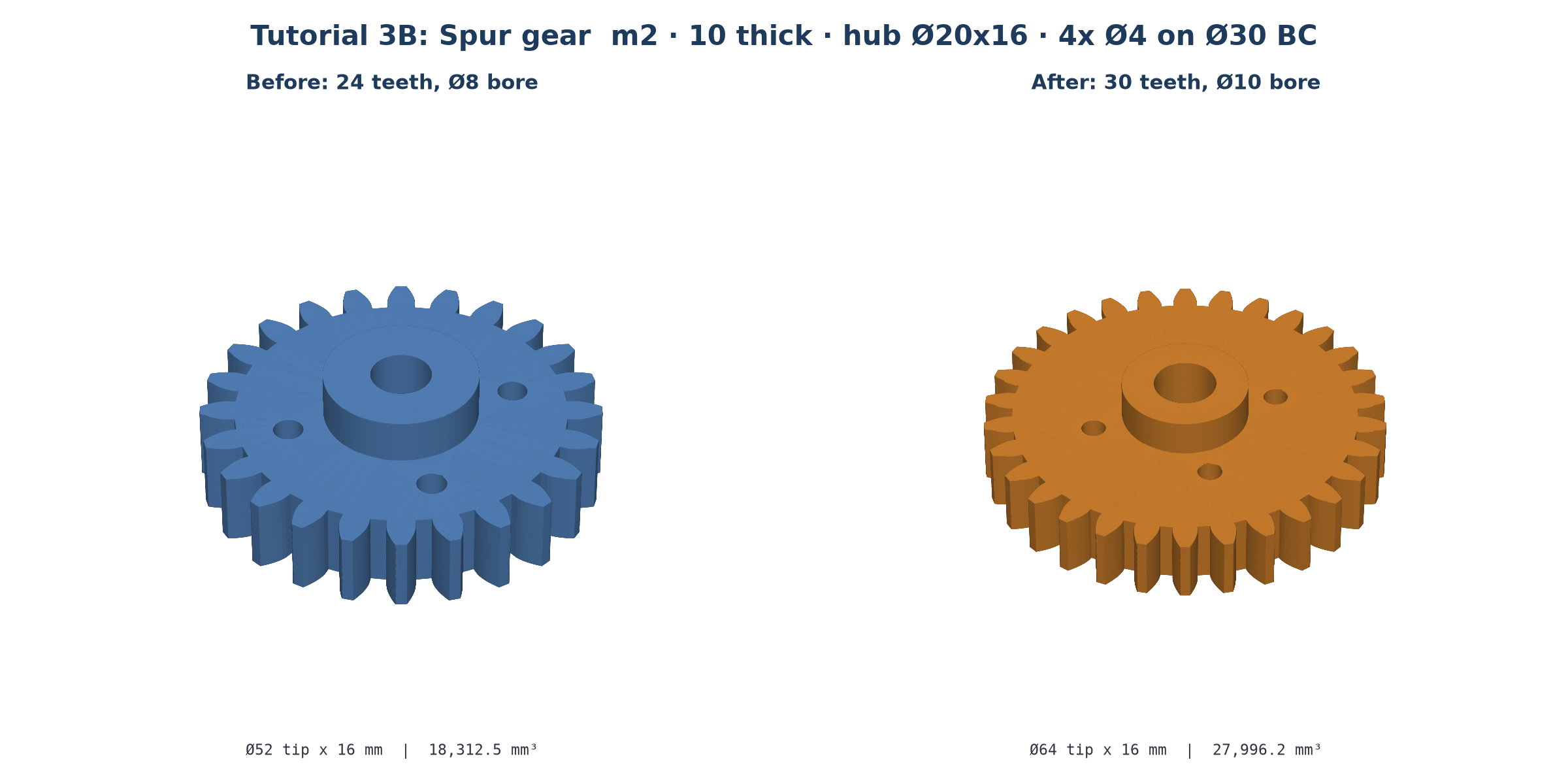
Spur Gear
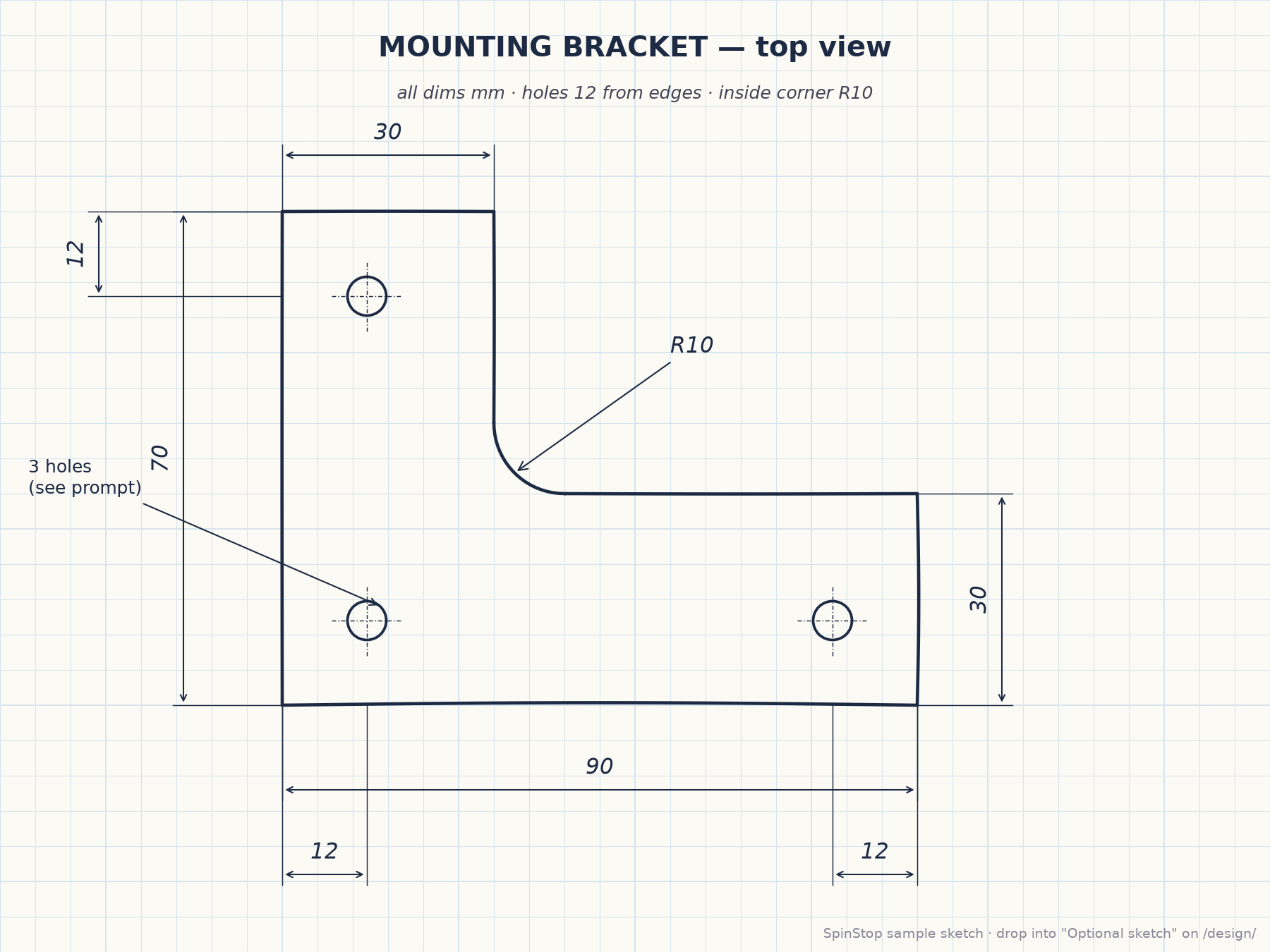
From a Sketch
Drop the drawing on the Designer's Optional sketch zone; a vision model reads the dimensions.
Tutorial 3C →Advanced CNC — FeedWhiz Feeds & Speeds Calculator v0.10 beta
A free CNC feeds & speeds calculator that runs in your browser.
Run FeedWhiz Calculator →- Based on: CNCCookbook's G-Wizard 5.51, the feeds & speeds calculator that is no longer sold or supported. This is an independent recreation of it, not a CNCCookbook product.
- Documentation: local mirror of the G-Wizard docs (archived from cnccookbook.com; most features work as described there).
- Simulator: run the G-code simulator.
- File formats: run the model editor and converter.
- Designer: run the model design feature. Login required.
- Summary: see this video, this video, and this channel.
- Feedback and bug reports: [email protected]
Beta software: results may contain errors. Check feeds, speeds and tolerances before cutting. Data you save without logging in may be shared with other visitors.